Freshpaint Maps

Connect Patients to Care Faster With Compliant Maps
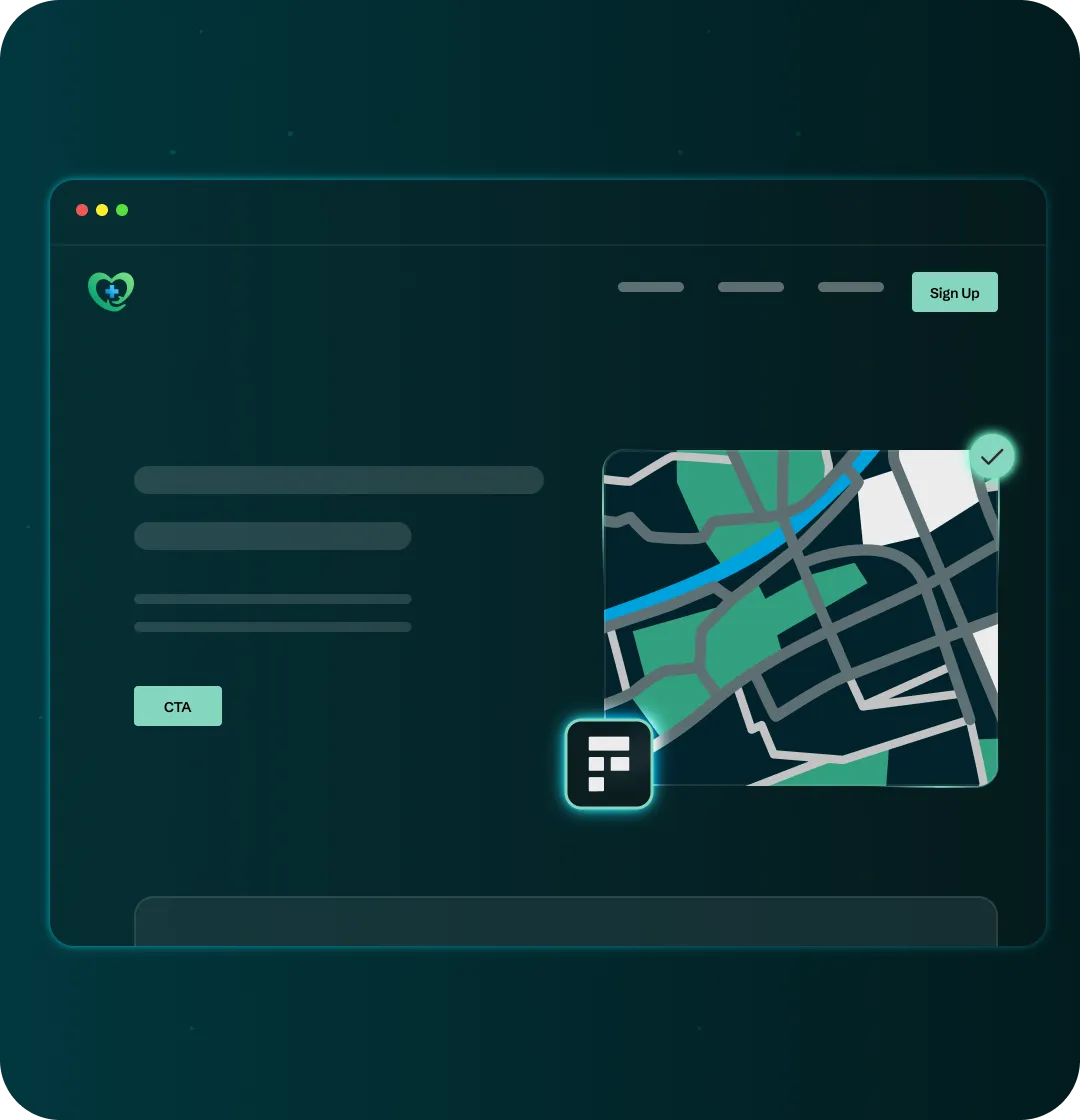
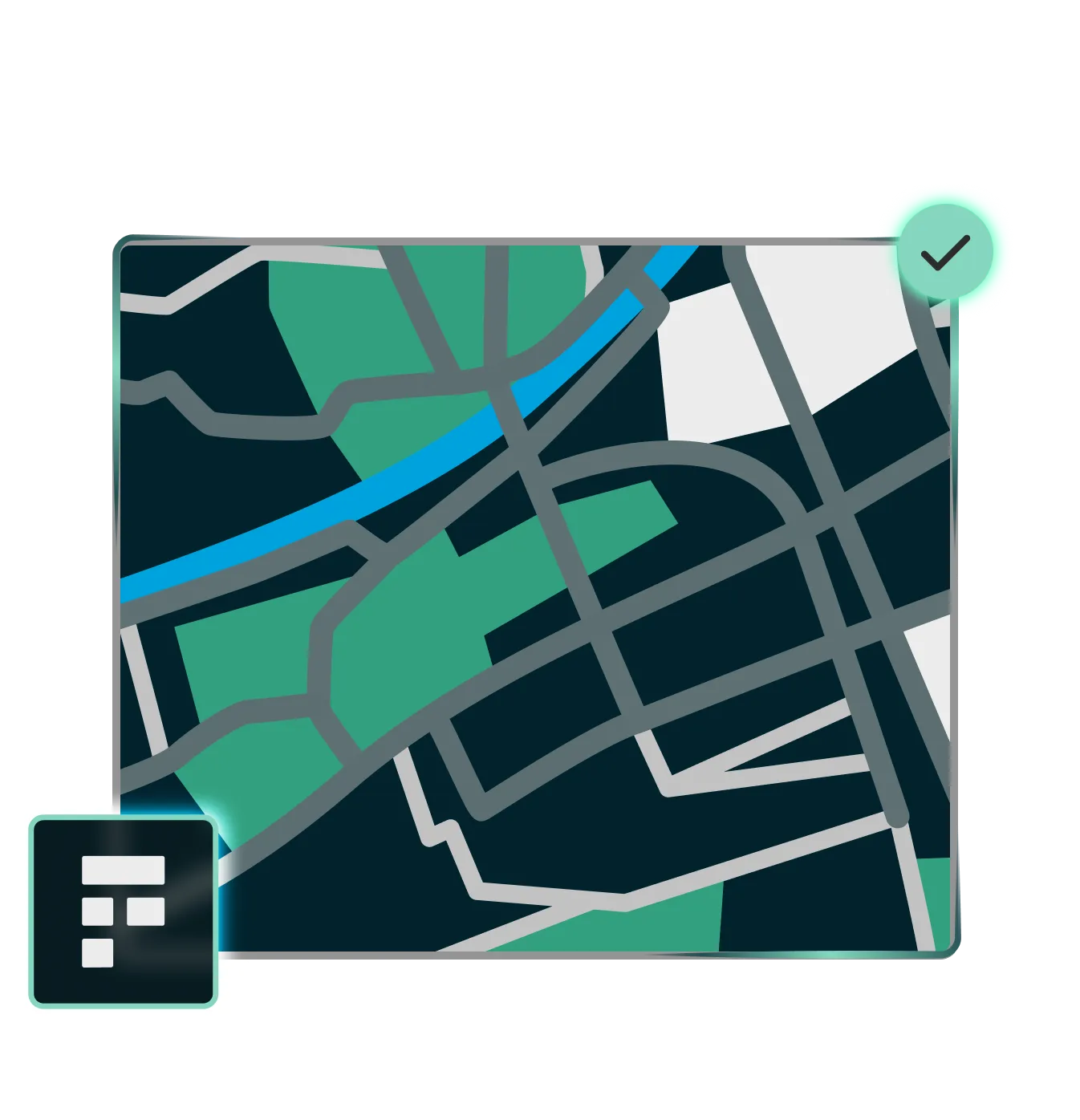
Freshpaint replaces Google Maps with a feature-rich, privacy-safe alternative hosted on our healthcare privacy platform, so you can keep using maps to guide patients to care without sending sensitive health and personal data to Google or other third parties.
https://res.cloudinary.com/dhogpnwxa/video/upload/v1768228642/Ad_Performance_h8y00z.mp4
How Freshpaint Maps Work

What HIPAA-compliant maps unlock for your site
Keep Privacy and Brand Fully in Sync

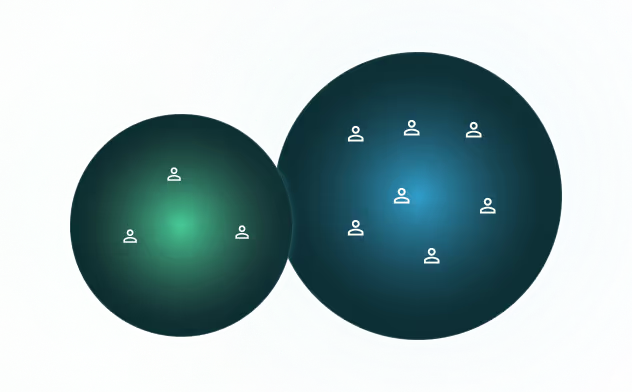
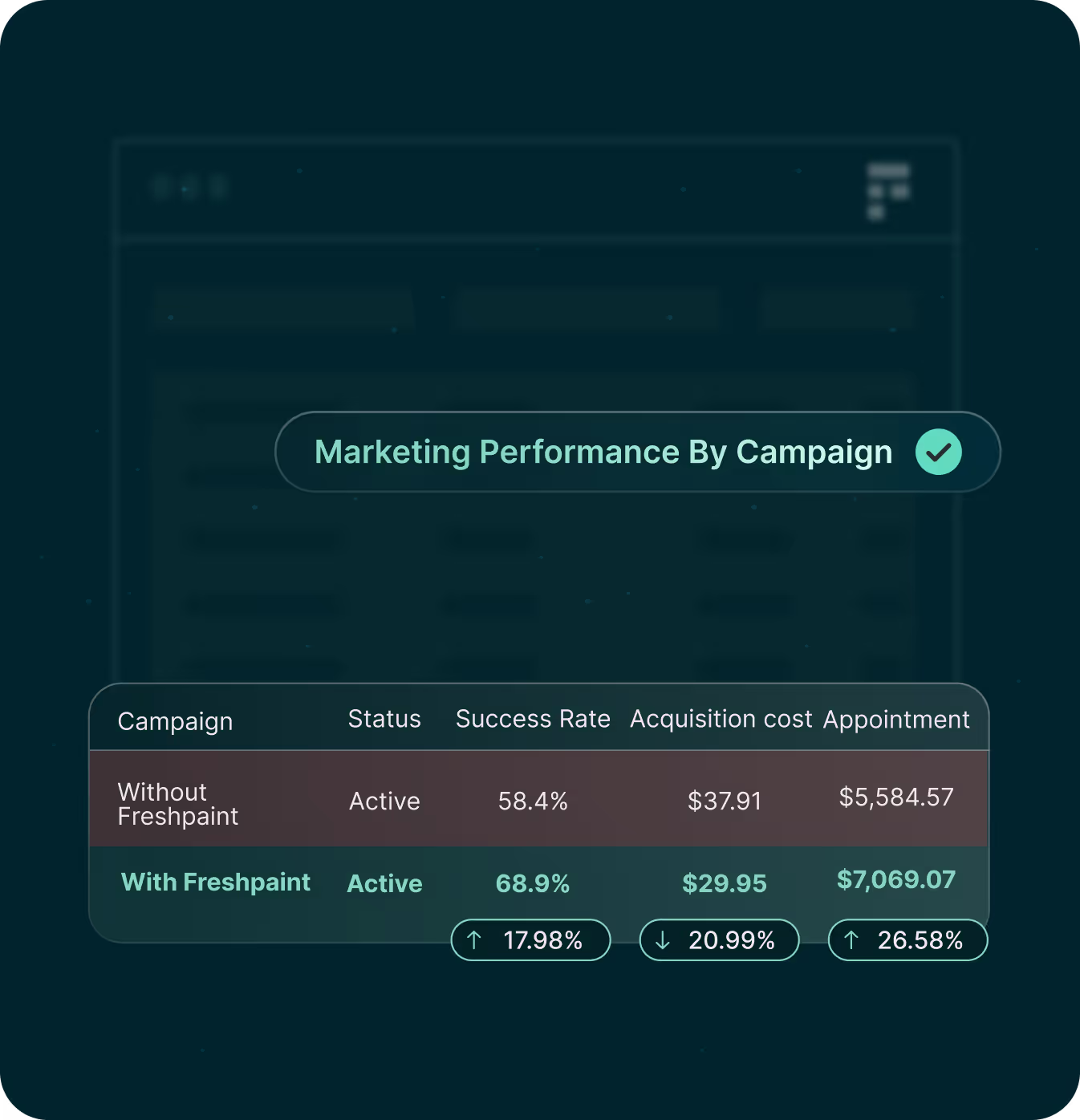
Freshpaint sends your audience to ad platforms as anonymized lists:

  • Platforms receive: "Audience ID 12345"
  • Platforms never see: Patient names, conditions, or health context
  • You get: Full targeting power without compliance risk
Help Patients Find the Right Location

Use interactive, location-aware maps to connect visitors to the nearest, most appropriate care option.

  • Show all nearby clinics, hospitals, or service-line locations in a single view
  • Let visitors search by city, ZIP, or neighborhood to find the closest option
  • Highlight priority locations (like urgent care or specialty clinics) with clear markers
Make Wayfinding Feel Effortless

Give patients the modern map experience they expect—pannable, zoomable, and easy to explore—without relying on consumer tools that leak data.

  • Allow visitors to zoom and pan to understand the area around each location
  • Help patients plan their route with surrounding streets and landmarks
  • Keep maps embedded directly on your site to reduce friction and drop-off
Keep Privacy and Brand Fully in Sync

Run maps on Freshpaint’s privacy-first infrastructure so IP and location data stay under your control—and the experience still feels on-brand.

  • Prevent IP + specific healthcare locations from being sent to third-party platforms
  • Meet HIPAA, state, and internal privacy standards without turning maps off
  • Customize map styles so they match your site and service-line branding
Key Features & Capabilities

A Full Replacement For Google Maps

Pannable, Zoomable Embedded Maps
Help patients orient around your locations with familiar map interactions. Visitors can zoom and pan to understand the area, nearby roads, and landmarks so they can better plan their visits.
Interactive Locations and Nearest-Care Views

Use interactive markers to show nearby clinics, hospitals, and other care sites, so visitors can quickly see which options are available and closest to them.
Autocomplete Search for Local Care
Allow visitors to search by city, ZIP, or neighborhood and quickly surface the closest eligible location—backed by privacy-safe location and autocomplete services instead of consumer mapping APIs.
Customizable, On-Brand Styles

Choose from built-in themes or tailor map styling so the experience looks and feels like your site, not a bolted-on third-party widget.
Hosted on Freshpaint’s Privacy-First Platform
Run your maps on the same compliant, privacy-first infrastructure that powers the rest of Freshpaint, so sensitive location and personal data stay protected by design.
Related products

Build on your privacy-first foundation
Once your maps are compliant, extend the same privacy-safe approach to video and warehouse sync so you can get more value from the data you’re already collecting.
Make Embedded Video Compliant
Host and stream patient education video through Freshpaint instead of YouTube or Wistia so you can keep rich content on your site without exposing sensitive health and personal data.
Explore Video
Send Freshpaint Data to Your Warehouse
Stream standardized behavioral and identity data from Freshpaint into Snowflake, BigQuery, Redshift, and more so your teams can analyze full journeys with SQL.
Explore Data Warehouse
FP Education & Partner Newsletter
FAQ

Common Questions About Improving Marketing Performance

Why can’t we keep using standard Google Maps embeds?

Standard Google Maps embeds send visitor IP addresses and specific healthcare locations directly to Google. On pages tied to conditions or treatments, that combination becomes sensitive health information in a system you don’t control, creating regulatory and privacy exposure.

Does switching to Freshpaint Maps hurt the patient experience?

No. Freshpaint Maps is designed as a feature-rich alternative to consumer mapping tools, so you can preserve familiar interactions—panning, zooming, markers, nearest-location views—while changing only where and how the map is powered behind the scenes.

Can we still show “nearest location” or “find a clinic” experiences?

Yes. Freshpaint provides privacy-safe location and search services you can use to build search-by-city/ZIP and nearest-location experiences, without calling Google’s consumer APIs.

Do we need developers to redesign our site to use Freshpaint Maps?

Your developers will integrate the Freshpaint map components, but you don’t need to redesign your entire site. In most cases, you’re replacing how the map is embedded and styled, not your underlying information architecture.

Does this only help with HIPAA, or does it apply to other privacy laws too?

Freshpaint Maps is built to reduce the risk of sharing sensitive health and personal data with third parties. That helps covered entities with HIPAA, but also supports organizations that need to comply with state privacy and consumer health data laws.
Key capabilities / features

Get insights, strategies, and data that help you stay ahead

Show patients the way, without the privacy risk
Book a demo to see how Freshpaint Maps keeps location-based wayfinding on your site while removing risky data sharing from your mapping strategy.
Get a Demo
Still deciding?